

Chromebook Manual for Beginners Discounts
Past Bundles
Prices
About The Book
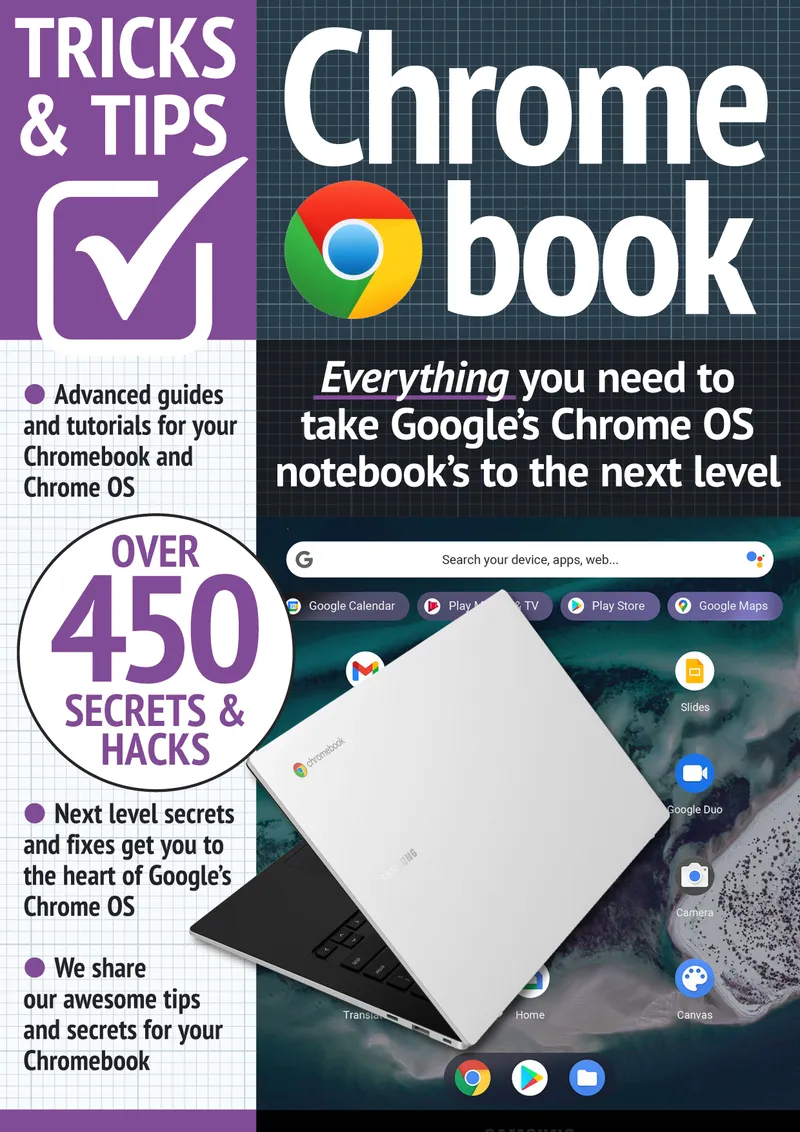
Chromebook are incredible to use but just like PC there are little tweaking to make your experience very goodWhen Google first introduced Chromebooks in 2011, it looked like a wonderful idea, a laptop that can only work a browser, who would want that? But with time, web apps slowly become more powerful and capable, as Google has gradually improved the Chrome OS experience, then Google went even further and added the capability to enable Android apps, and still much more with Linux Desktop appsWhat this means is that Chromebooks of 2019 and 2020 are nothing like the original experience, Today, Chrome OS looks like a modern operating system that provides a first class web browser, mobile apps flexibility and a desktop experience in one box, it can satisfy the need of almost all user, with the notable exception of those who require video or advanced image editingIf you have set your Chromebook up properly that is, let us get that doneThe following are tips and tricks to get the best of the ChromebookThis guide will show you the best tips and tricks you need to know to get the best out of your chromebookGet your copy today by scrolling up and clicking Buy Now to get your copy today and get the best from your chromebook
This site contains affiliate links to products. We may receive a commission for purchases made through these links. BundleScout is a participant in the Amazon Services LLC Associates Program, an affiliate advertising program designed to provide a means for sites to earn advertising fees by advertising and linking to Amazon.com.